Adding New Page
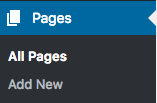
Go to Pages > Add New
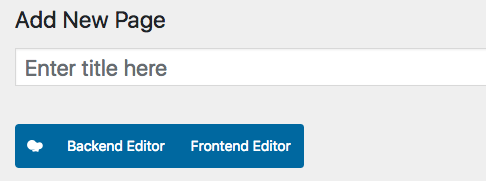
Enter a tile and switch WPBakery Page Builder to Backend Editor
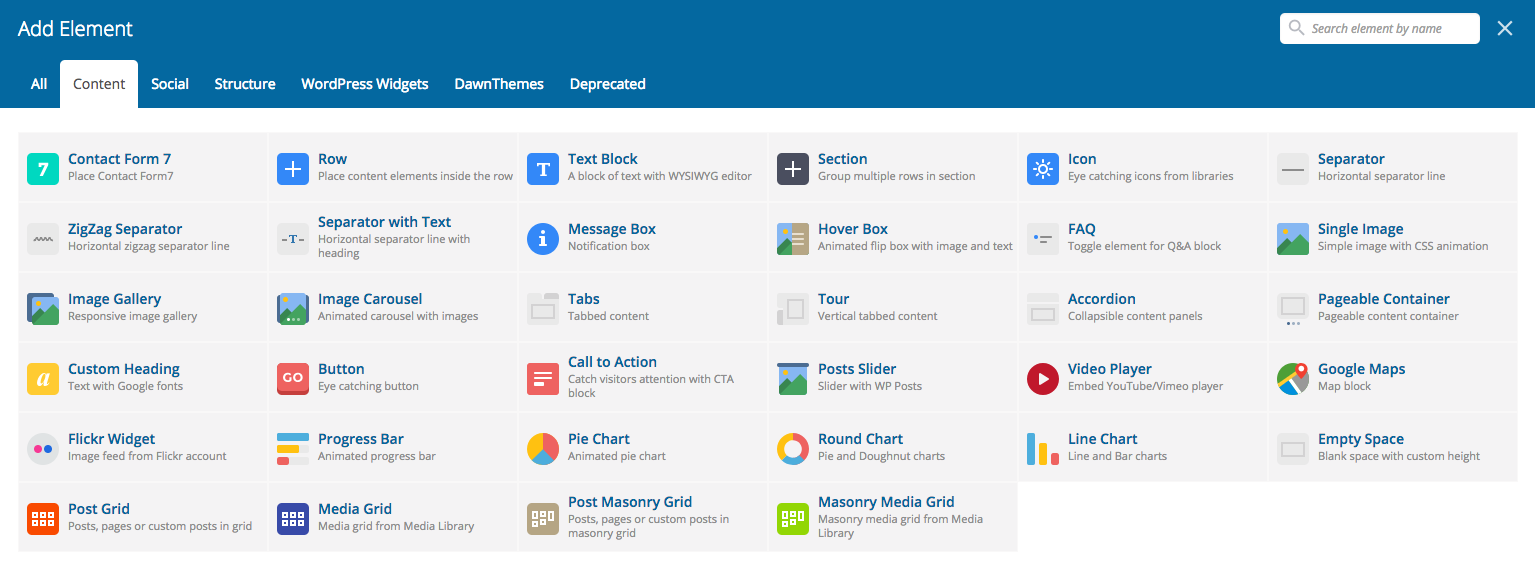
Click on Add Element button
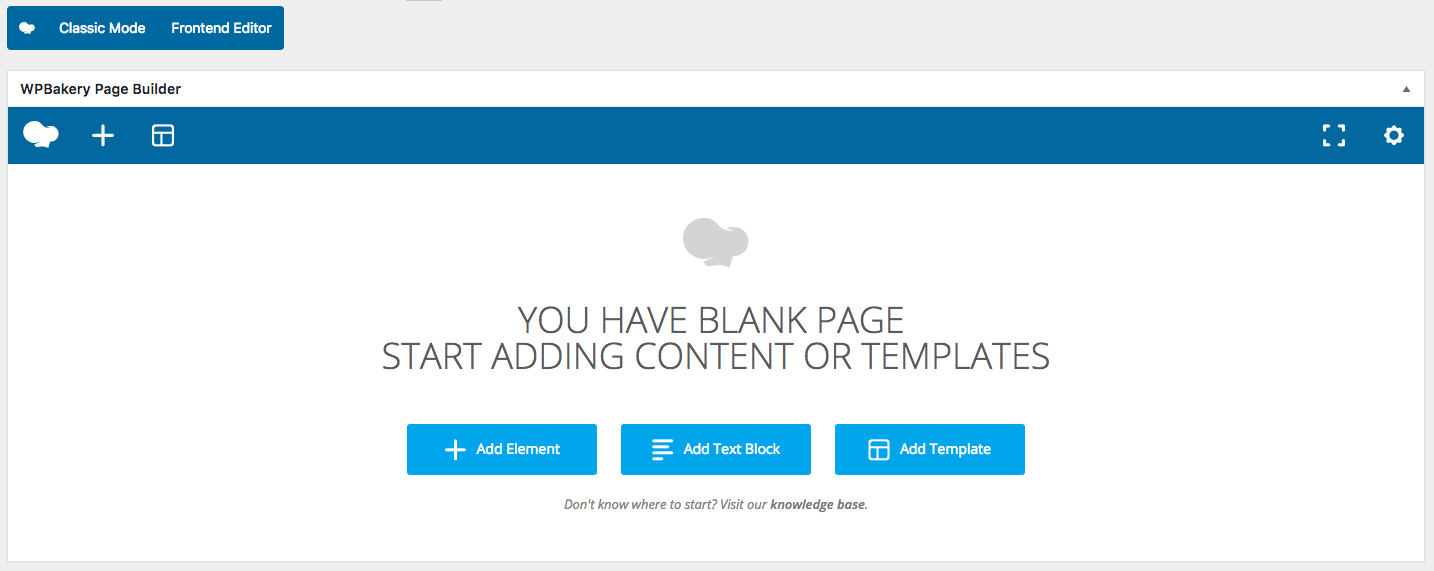
Select the desired element and click on it to add it to your page.
In case you need/want to edit shortcodes/code manually you can switch WPBakery Page Builder to Classic Mode
Once added all element, don’t forget to save changes
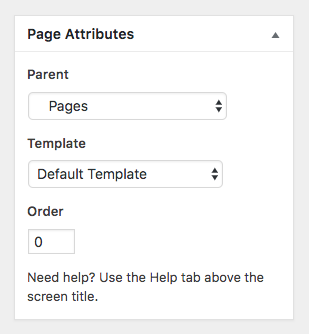
Select Parent Page and Template
On the right-hand side of the page editor (left-hand side for RTL sites). Page Attributes